

July 26, 2026
VerityLoft may earn a commission if you click through and buy through our links, including the one here. This does not change our review, our score, or our independence.
In short:
- What it is: Weblium is an intuitive website builder that dresses a clean, mobile-ready site for your firm in an afternoon.
- Our score: 4 out of 5, from two live builds — one for VerityLoft, one for a fictional CPA firm.
- Best for: solo accountants and small practices that want a polished site fast, without paying for tools they will not use.
- Price ladder: a free-forever plan, or Pro at $8.25 a month billed annually ($15 monthly), with a 14-day free trial and a 14-day money-back guarantee.
- Skip it if: your firm needs booking, intake, and e-signature built in, or a deep app store.
Most website builders sell you a blank canvas and a steep learning curve. Weblium sells you something calmer. In short, it hands your firm a finished-looking design and a short checklist, then gets out of the way.
That calm matters when your day already has a queue. After all, you did not train as a web designer, and tax season will not pause while you wrestle with columns. So we ran two live builds to see whether your firm could launch a credible site in a single sitting. See what it builds for your firm.
Is Weblium Worth It? The Quick Verdict
Weblium is the calmest way we have found to get a small firm a sharp, mobile-ready site on a tiny budget. Both of our test builds came out clean and client-ready. Therefore, we score it 4 out of 5. Above all, choose it for a polished look, painless mobile, and a price that barely registers. Skip it, though, if you want a booking-and-signature desk baked into the same login.
What Is Weblium?
Weblium is a website builder aimed at people who are not designers. You pick a template, answer a few prompts, and a tidy site takes shape without any code. A visual editor sits on top for changes, so nothing needs a developer. Meanwhile, the platform handles the fiddly parts, such as mobile layouts and a launch checklist, on your behalf. The goal, in fact, is a smart-looking site your firm can run alone.
Can You Make One Accounting Template Look Like Your Firm?
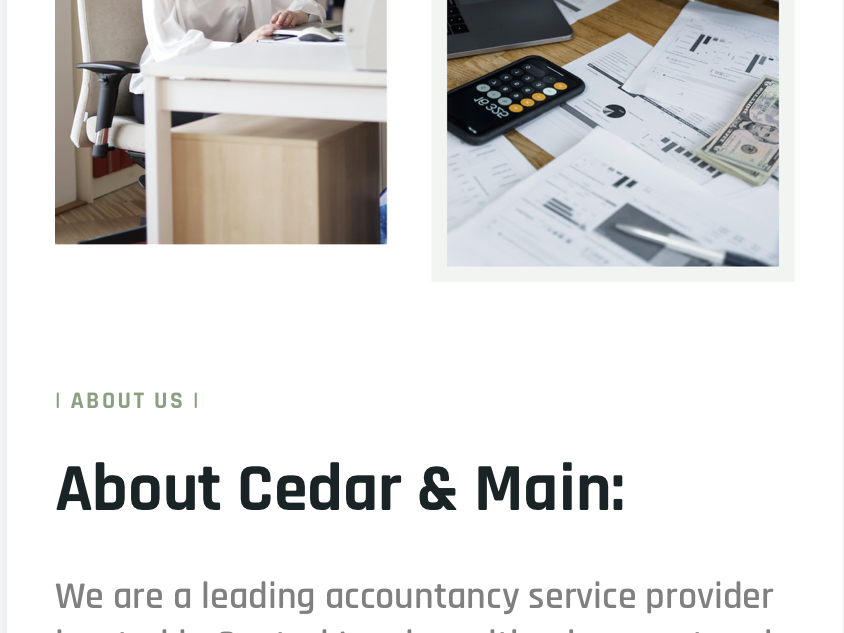
Here is the honest catch we hit first. When we built a site for Cedar & Main, our fictional three-person CPA firm, the builder offered exactly one template aimed at accountants. That felt thin, and at first it worried us. Then we found the wider shelf.
Weblium keeps roughly seventeen more layouts filed under legal and finance, and any of them suits an accounting firm well. So your firm is never stuck with a single look. Instead, you choose the structure you like best, then tailor it to fit.
Tailoring is where this builder shines. You can test whole colour schemes and font pairings across the entire site at once, not page by page. Change your primary colour, for instance, and every button, heading, and link follows in a click. That global control is what turns an off-the-rack template into something that reads as your firm.
Is Weblium Easy to Use?
Ease is the whole pitch, and it mostly holds up. The editor felt intuitive from the first screen, so we rarely reached for help. Weblium does ship tutorials, much as Hostinger does. Theirs are a little harder to navigate, however, so expect to hunt for the right one. Honestly, your firm may not need them at all.
Mobile is handled for you, which is the quiet time-saver. Every layout adapts to phones and tablets automatically, so your firm skips the usual second build. There is also a launch checklist that walks you through the final steps before you go live. As a result, you are far less likely to publish with a broken link or a missing page.
Is Weblium Secure Enough for Client Trust?
Accounting runs on trust, so the boring basics matter here. Every Weblium site ships with a free SSL certificate, which keeps the padlock showing in your client’s browser. Paid plans add site backups too, so one bad edit never means a lost site. Those saved versions are a genuine safety net during a busy week.
The paid tier also lets your firm connect a custom domain and a matching email address. That email is the real upgrade, because client messages then arrive from yourfirm.com rather than a free inbox. To be clear, none of this replaces your own professional compliance duties. Still, the defaults make your firm look careful with client data.
Does Weblium Have a Free Plan or Trial?
You can test the whole thing before paying a cent. Weblium runs a free-forever plan on a branded subdomain, which is plenty for a first look. When you want the real features, the Pro plan gives your firm up to two weeks free, and no card is needed to start. There is also a 14-day money-back guarantee once you subscribe, per Weblium’s official pricing page.
That window is generous for the category. So generate a draft, tour the editor, and judge the output on your own firm before you commit a dollar. Start a free build here.
How Much Does Weblium Cost?
Pricing is refreshingly plain, with one paid tier instead of a confusing ladder. Here are the numbers, taken from Weblium’s official pricing page.
| Plan | Price | Trial | What your firm gets |
|---|---|---|---|
| Free | $0 forever | — | Branded subdomain, 50 pages, free SSL, mobile-ready templates |
| Pro (annual) | $8.25/mo (~$99/yr) | 14 days free, no card | Custom domain free for year one, site backups, no Weblium banner, SEO tools |
| Pro (monthly) | $15/mo | 14 days free, no card | Everything in annual, billed month to month |
| Bundle (5 sites) | $297/yr, 40% off | — | Five Pro sites on one bill |
| Bundle (10+ sites) | $495/yr, 50% off | — | Ten-plus Pro sites, the best per-site rate |
For most firms, annual Pro is the obvious pick, because the yearly rate roughly halves the monthly one. If your firm runs several brands, though, the bundles save real money, between 40% and 50% depending on how many sites you host. Note that the bundles leave out the free-domain offer, so budget for those separately. Pick the plan that fits your firm.
Should You Switch to Weblium From Wix or WordPress?
Let us be honest about the trade your firm is making. Weblium is a guided, tidy builder, not a sprawling platform. There is no large app store, and there is no true online shop built in. WordPress hands you total control, along with updates and plugin conflicts to babysit. By contrast, this builder hands you a finished look and almost nothing to maintain.
Wix offers more toys and a bigger template shelf, to be fair. Weblium answers with lower pricing and a calmer, less cluttered editor. For a firm whose site mainly needs to look sharp and load fast, that quiet is worth more than a hundred widgets you will never open.
What Are Weblium’s Pros and Cons?
| Pros | Cons |
|---|---|
| Genuinely intuitive editor; we rarely needed help | Just one template aimed squarely at accountants |
| Automatic mobile layouts on every design | Tutorials are harder to navigate than some rivals’ |
| Global colour and font controls for fast branding | No built-in booking, intake, or e-signature tools |
| Cheap, at roughly $99 a year, with a free plan | No real online store and a thin app library |
| Launch checklist trims go-live mistakes | Backups and a custom domain sit behind the paid tier |
Who Is Weblium Best For?
Weblium fits a solo accountant or a small CPA firm that wants a sharp, mobile-ready site without fuss or a big bill. It suits bookkeepers, tax preparers, and fractional CFOs who value a clean shopfront over a crowded toolbox. Firms that need booking, intake, and signatures baked into the site will want more, however. If that sounds like you, or if a greener build appeals, read our Create.net review before you decide.
Is Weblium Right for Your Firm? The Verdict
Two live builds left us impressed by the polish for the price. Weblium lost a point, though, for the single accountant template and the missing client tools a busier firm would want. Weighing what our builds showed us, we score it 4 out of 5 for a small or solo practice like yours. Even so, that is a strong mark in a crowded field. Start your firm’s free buildand see whether the fit feels right by the weekend.
Frequently Asked Questions
Is Weblium good for accounting firms? Our Cedar & Main build came out clean and professional, even from the single accountant template. You will still want to tailor the colours and copy so the site sounds like your own firm.
How much does Weblium cost? The Pro plan runs $8.25 a month billed annually, or $15 month to month. A free-forever plan and a 14-day money-back guarantee let your firm test the water first.
Does Weblium have a free trial? The Pro plan offers up to two weeks free, and no card is required to start. A separate free-forever plan also runs on a branded subdomain for as long as you like.
Can I use my own domain and email with Weblium? Paid plans let your firm connect a custom domain, and annual Pro includes one free for the first year. You can also set up a matching email address so client messages look professional.
Does Weblium work well on mobile? Every template adapts to phones and tablets automatically, so your firm builds the site only once. You can still preview and fine-tune the mobile view before you launch.
Is Weblium better than Wix for a small firm? It is cheaper and calmer to use, which suits a firm that mostly needs a smart-looking brochure site. Wix wins on apps and e-commerce, so heavy online sellers may prefer that route instead.
Sources and Further Reading
- Weblium vs B12: Which is the Calm, Reliable, and Secure Website Builder for Accountants? — Our comparison with another website builder.
- FileYourTaxes.com Is the Weirdly Practical Tax Tool From 1995 — the low-cost filing tool worth knowing about.
- Cloudflare vs Porkbun: Which Registrar Is the Better Choice for 2026? — our registrar face-off.
- Weblium Pricing — official plan, trial, and bundle terms.
- G2 reviews of Weblium — user ratings for the platform.
- Capterra listing for Weblium — verified customer feedback.
- Pixabay.